


Active Directory
Domain Server and Active Directory
One login for the whole office. Windows Server and a file share in Colombo or Nugegoda, so the files do not live on one PC.
One account each
Closed when someone leaves.
Shared folders
Still there when a desk PC is off.
Moved in order
The office keeps working during the change.
One account for each person, and files that stay put.
This is a Windows server in the office: Active Directory, a file share, and a login that is closed when someone leaves. It is not cloud hosting. The files do not live on the reception PC.
Five PCs with a shared drive on one desk is a common point to move. The survey says if a simple workgroup is still enough.
What the job includes
- Windows Server with Active Directory, DNS, and a file server
- One account per person, removed when they leave
- Shared folders that stay available when a desk PC is off
- A backup of the directory and the files, off that same server
- A migration order so the office keeps working during the change
From the first visit to handover
- 01
See the PCs
Where the files are now, and who shares a password.
- 02
Place the server
Power, ventilation, and a room that is not a corridor.
- 03
Join the PCs
People move across in an order, with their files.
- 04
Hand over
How to add a joiner and close a leaver.
Questions we hear first
Do we need a domain server if we only have five PCs?
Often yes, once files and passwords are scattered. The survey says if a workgroup is still reasonable.
Is this the same as cloud hosting?
No. This is an on-premises directory and file server in your office. Cloud servers are a separate conversation.
Where does the server physically sit?
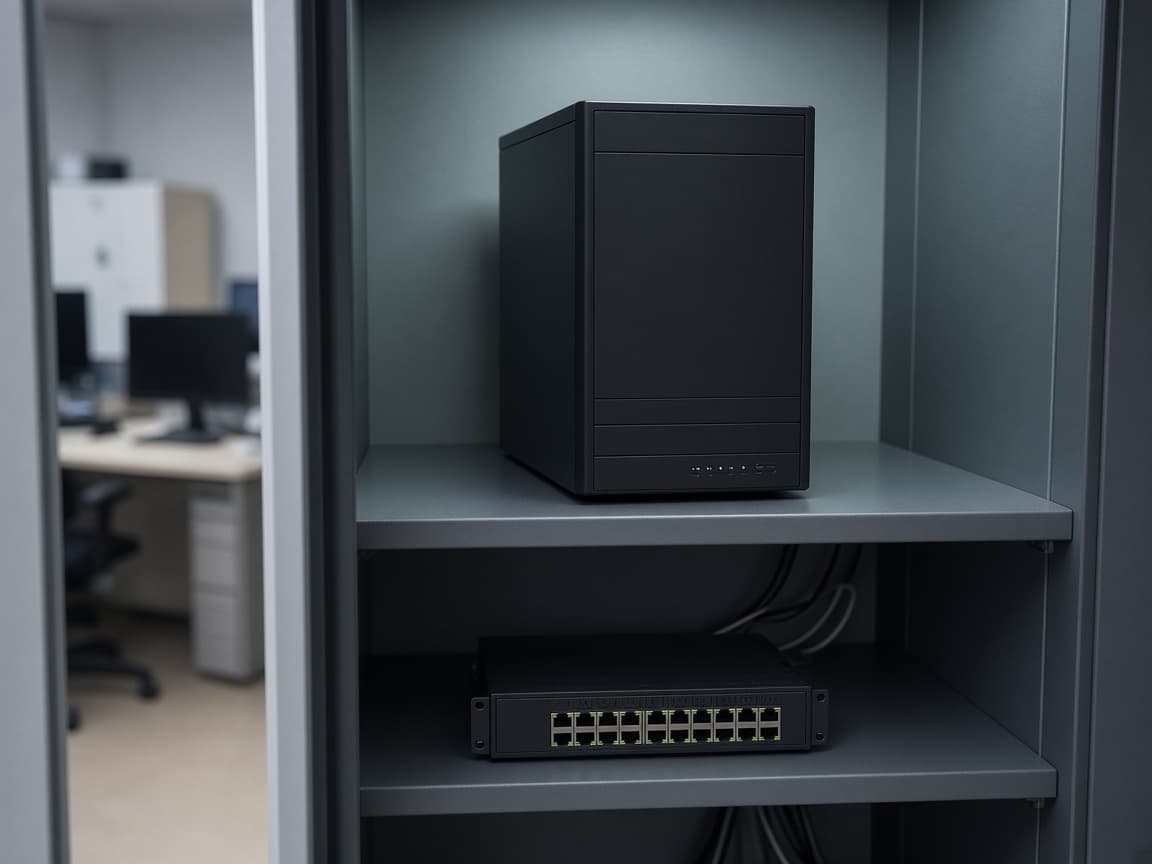
In your office, with power and ventilation agreed in the survey. Small offices in Nugegoda and Colombo often use a tower server.
Talk it through before you buy.
258/10B, Kotte Road, Nugegoda. Call 0114 502 905 or send a WhatsApp.
258/10B, Kotte Road, Nugegoda · 0114 502 905