
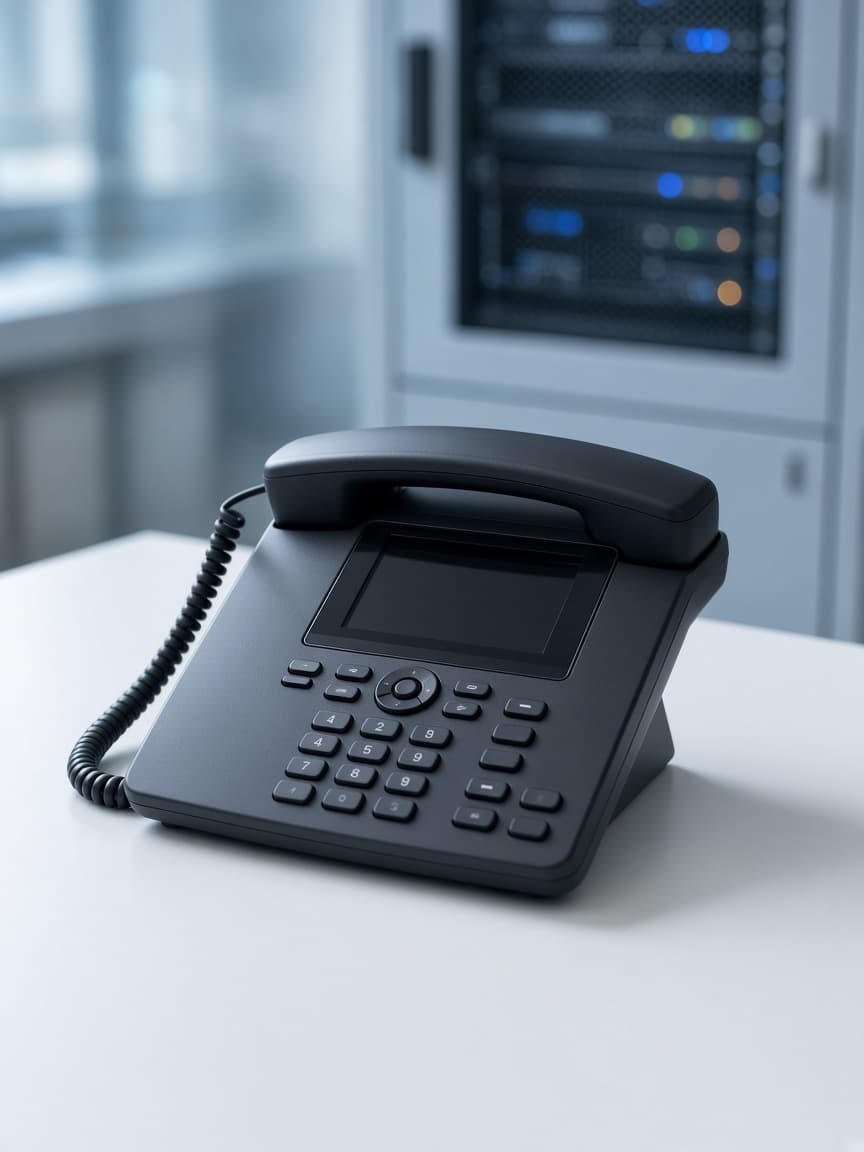
Extensions
Each person, not one front-desk phone.
CNS
Your Innovative Technology Partner

Always here to help 👋
Have a question? Chat with us directly or give us a call for urgent support.

IP-PABX
Desk phones that ring the right person. An on-premises IP-PABX in the office, with extensions and the number your customers already know.
Extensions
Each person, not one phone on the front desk.
Your number
We check porting before anything is cut over.
In the building
The system stays in your server room.
An IP-PABX sits in the office. Each person has an extension. Calls hunt a group when the first desk does not answer. The system stays in your server room, which is the difference from a cloud PBX.
We check whether your current number can move before anything is cut over. Customers should keep dialling the number they know. Softphones can sit beside desk phones when someone works between sites.
If you want queues, wallboards and call recording for a larger team, that is a call centre design, not a basic PABX. If you prefer the phone system hosted off site, see Cloud PBX. This page is for an on-premises system you own and keep in the building.
Handover includes how to move an extension when someone changes desk, and who to call when a handset fails. Support stays with the same Colombo team that did the survey.
Who answers, who only needs voicemail, which calls hunt.
Porting is confirmed before the day of the cutover.
The system, the phones, and the internal dial plan.
Transfer, voicemail, and who to call when a phone is replaced.
In practice
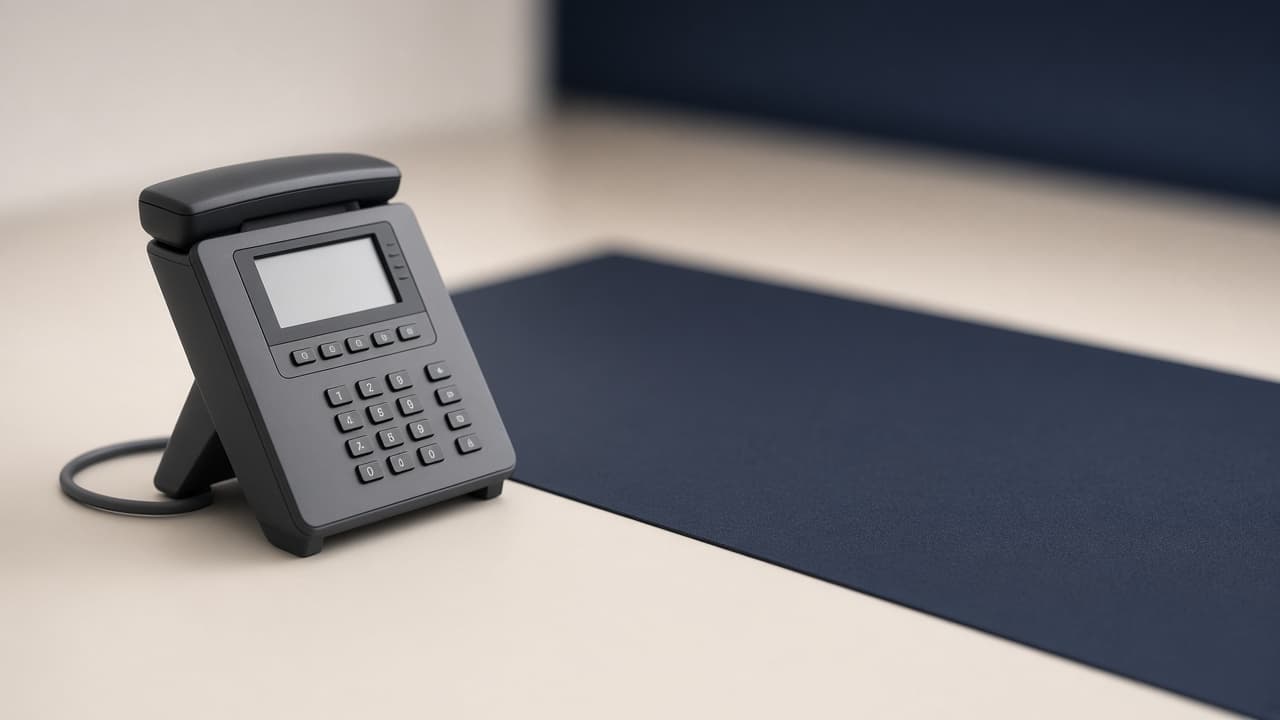
Extensions, ring groups, and the number customers already know.
Each person, not one front-desk phone.
Porting checked before cutover.
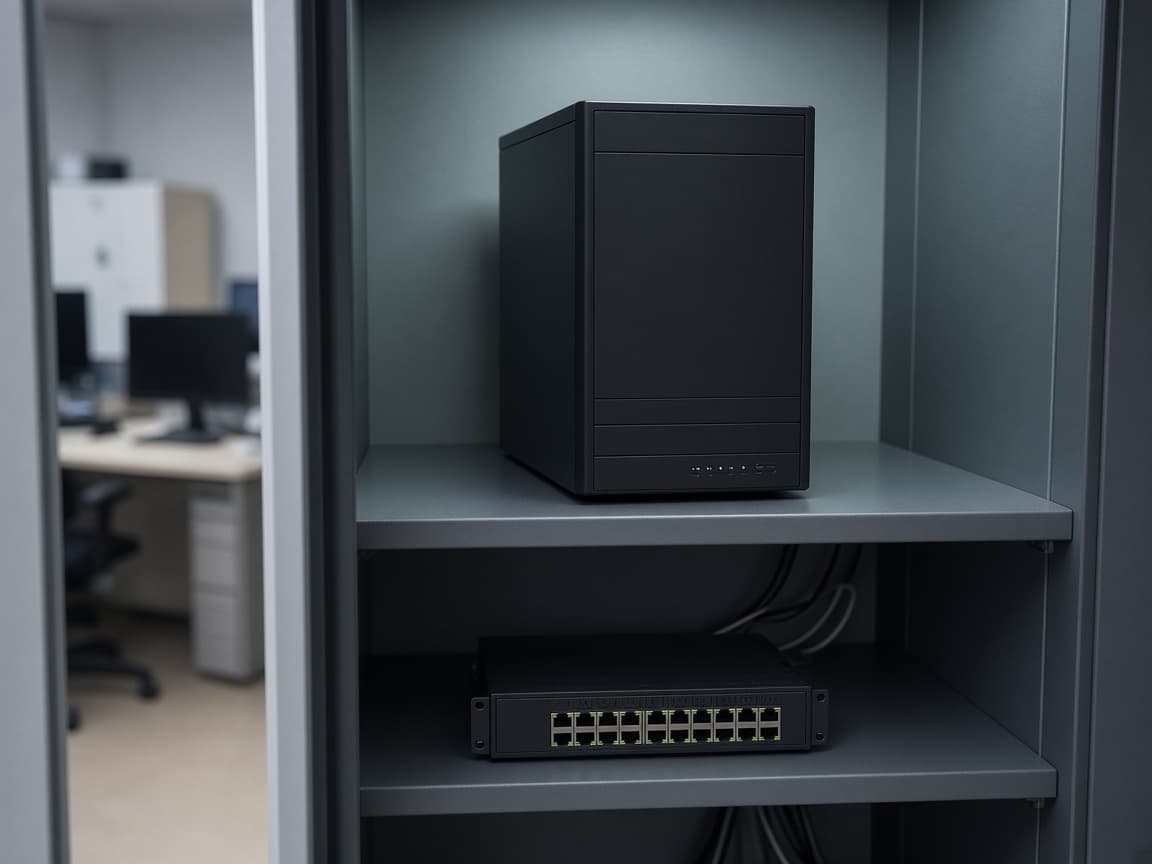
The system sits in your server room.
No. An IP-PABX stays in your server room. A cloud PBX hosts the system off site. Desk phones can look similar; ownership and support tasks differ.
In most cases yes. We confirm porting with the operator before the cutover day so customers keep dialling the number they know.
If you need queues, agent states, recording and wallboards, yes - that is a call centre design. A PABX covers extensions, hunting and voicemail.
Related