
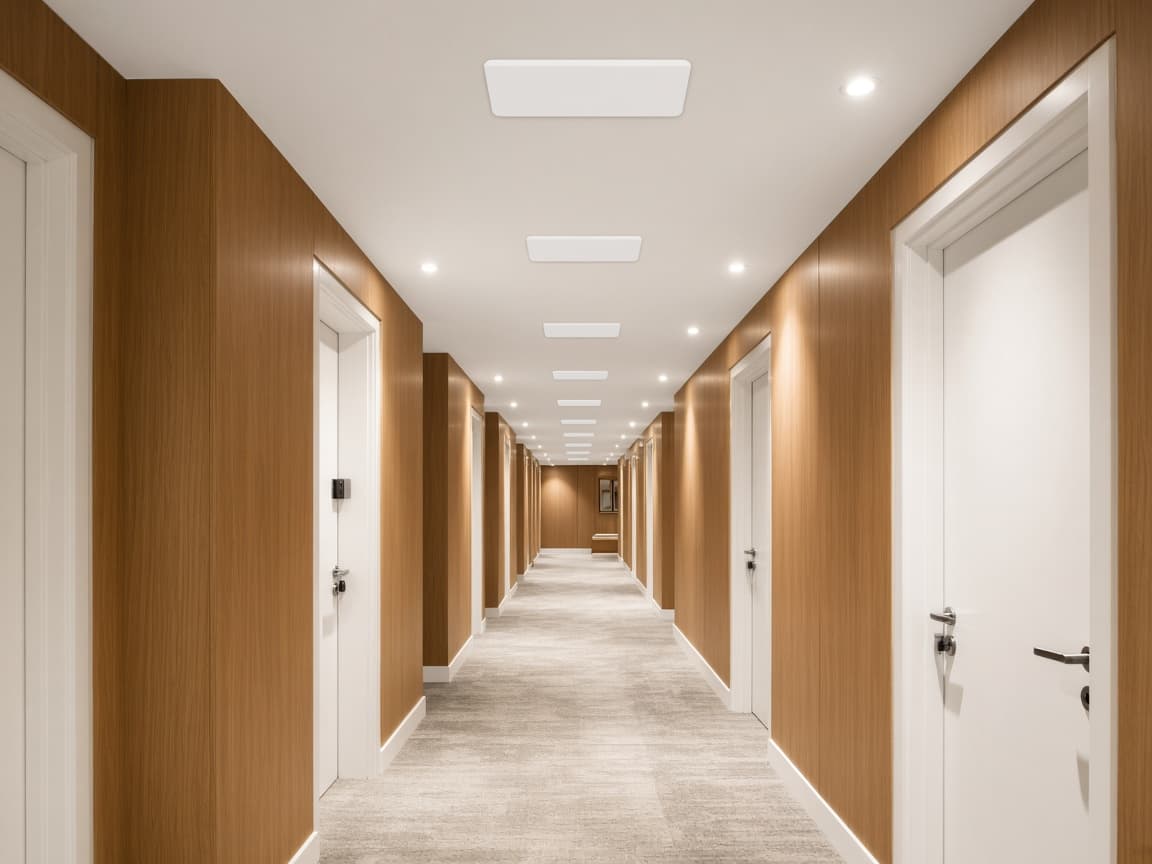
Rooms
Corridors, classrooms, guest floors.
CNS
Your Innovative Technology Partner

Always here to help 👋
Have a question? Chat with us directly or give us a call for urgent support.

Hotels, schools, campuses
Buildings with many rooms need a different design from a single office floor. Coverage, capacity, and who manages it.
Corridors, classrooms, and guest floors.
How many people, not only how far the signal reaches.
You see the building from one place.
A hotel, a school, or a campus fails when the design only asks how far the signal reaches. The question is how many people are in the room at once, and who looks after it next year.
This is a different design from a single office. Office Wi-Fi is its own page. Here the building has corridors, guest floors, or classrooms.
Occupancy, walls, and which floors must work.
Access points where people gather, not only in the passage.
A floor at a time, so the building stays open.
Who adds a room, and who gets the alert.
In practice
Hotels, schools, and campuses need capacity — not only signal reach.
Corridors, classrooms, guest floors.

People and devices, not only area.
The whole building in one view.