
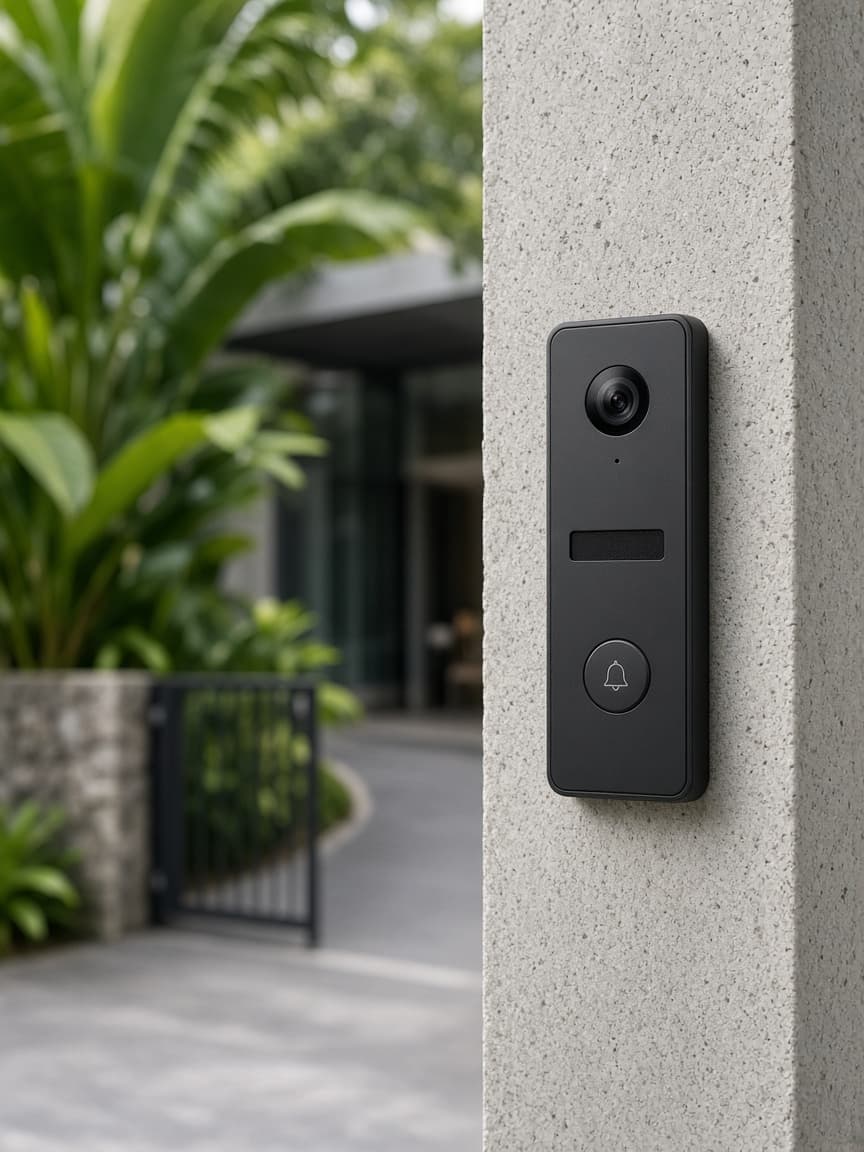
The gate
Station where the visitor stands.
CNS
Your Innovative Technology Partner

Always here to help 👋
Have a question? Chat with us directly or give us a call for urgent support.

IP intercom
See who is at the gate.
Video door stations for an office, a factory, or an apartment block, with the call on an indoor phone or a mobile.
The gate and the desk
A call, a picture, then the door release.
Apartments
From a villa up to a larger block.
Survey first
Cable path and power before the stations are ordered.
An IP intercom calls an indoor phone or a mobile when someone is at the gate, with a picture, then a door release. It suits an office, a factory entrance, or an apartment block.
Cable path and power are surveyed before the stations are ordered. A villa and a larger block are different jobs, and the survey says which one this is.
Where the visitor stands, and where the call should land.
Path and power, before the stations are purchased.
Station, monitor or phone, and the lock release.
A real call, a picture, then the door.
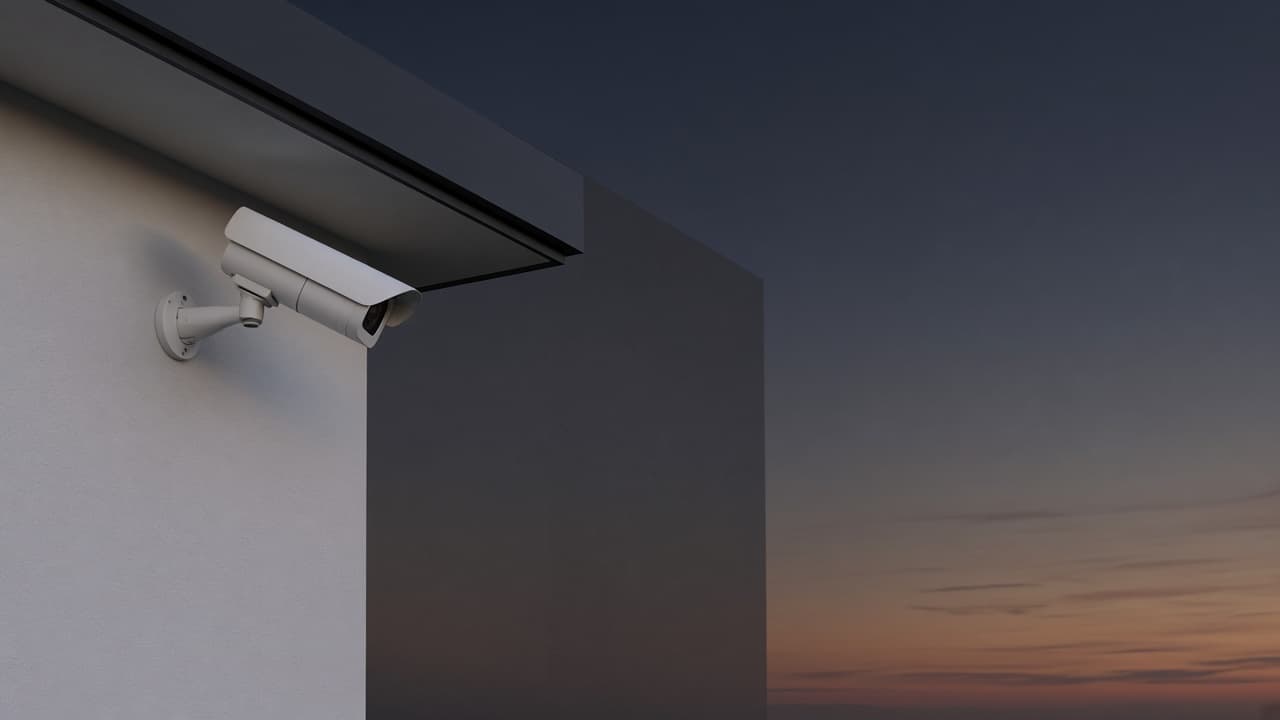
In practice
A call, a picture, then the door release — on a phone or a monitor.
Station where the visitor stands.
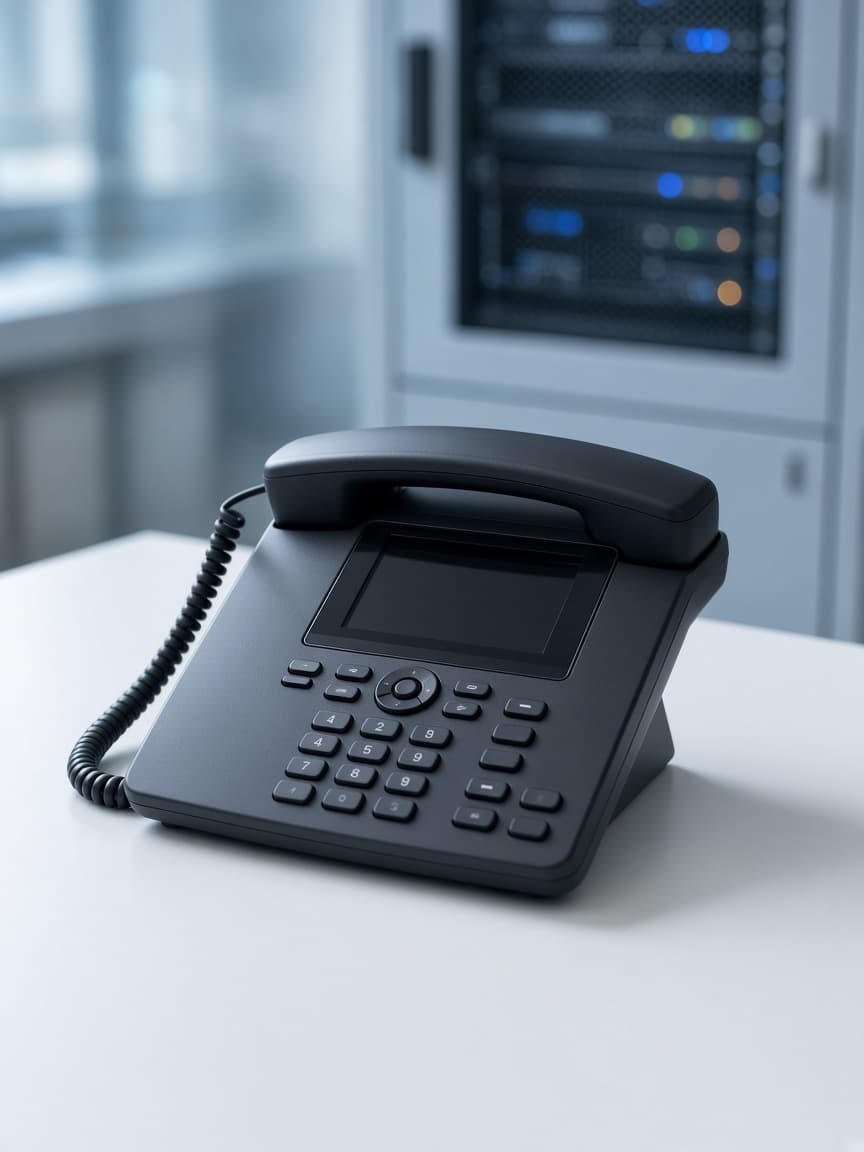
Indoor phone, monitor, or mobile.
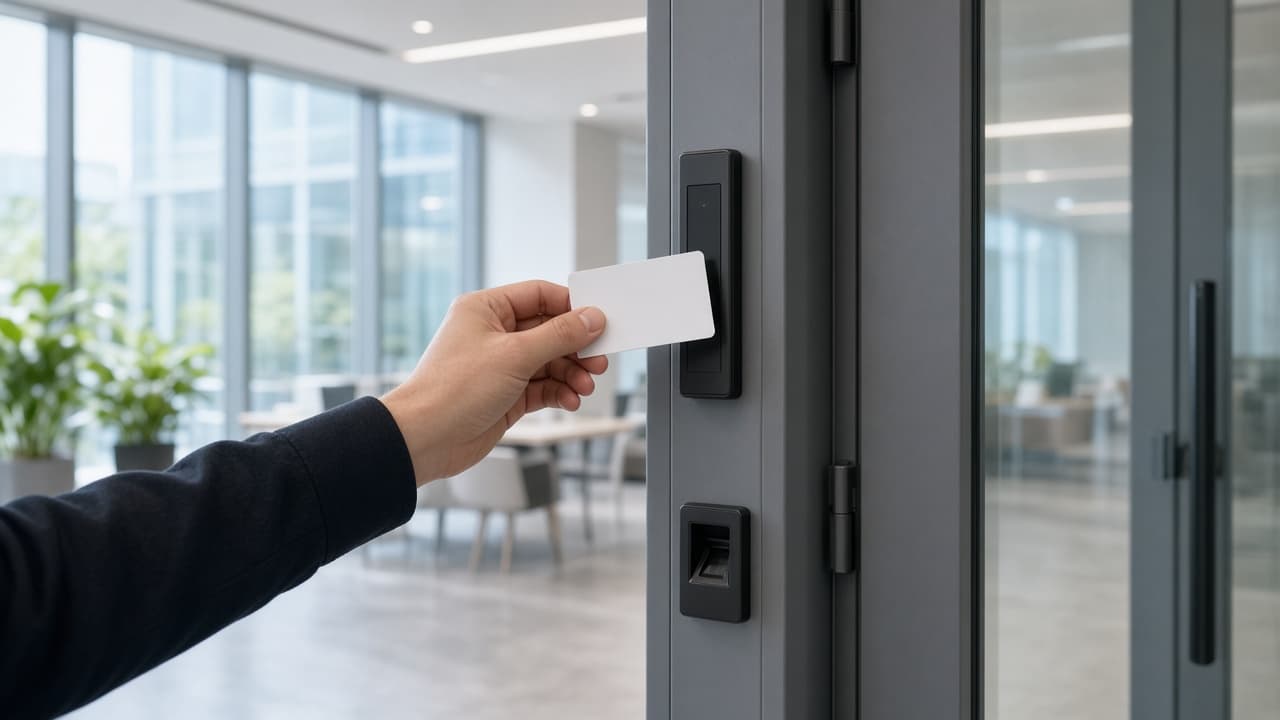
Only after someone answers.