

Backups
A copy that is not on the same machine.
CNS
Your Innovative Technology Partner

Always here to help 👋
Have a question? Chat with us directly or give us a call for urgent support.

Server care
The server stays up after we leave.
Patches, backups, and a person to call when a disk or a service fails.
A copy that is not on the same machine.
Not the night something breaks.
An engineer who has already seen your setup.
A server fails quietly: a disk fills, a backup stops, a patch waits for months. Management is the schedule that catches those before the office notices.
We look after servers we installed and servers that are already in the building, once we have seen how they are built.
What it runs, where the backup goes, and who uses it.
Patch window, backup time, and who receives the alert.
Checks happen whether or not anyone has called.
You hear about a failed backup before you need the files.

In practice
Patches, backups, and a restore you know will work — before the office notices.
A copy that is not on the same machine.
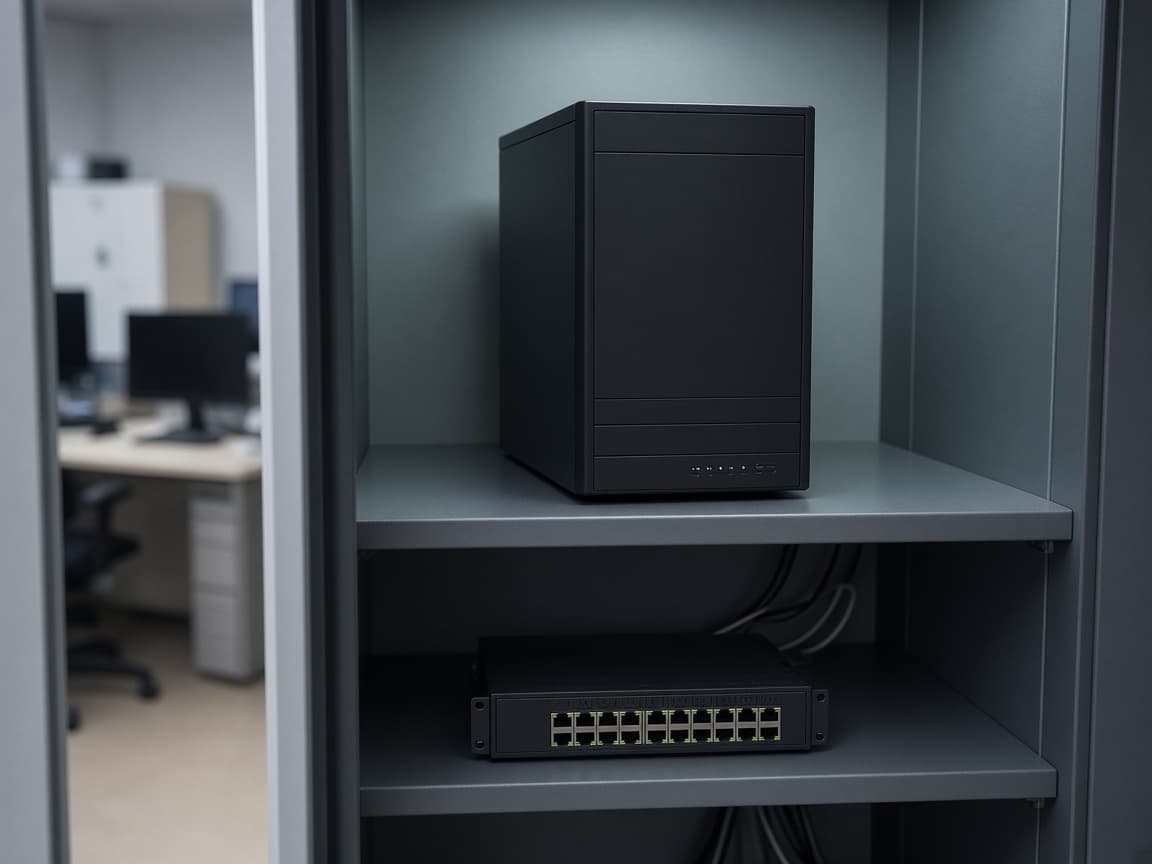
On a schedule, not the night of an outage.

Disk and services watched by a person.