
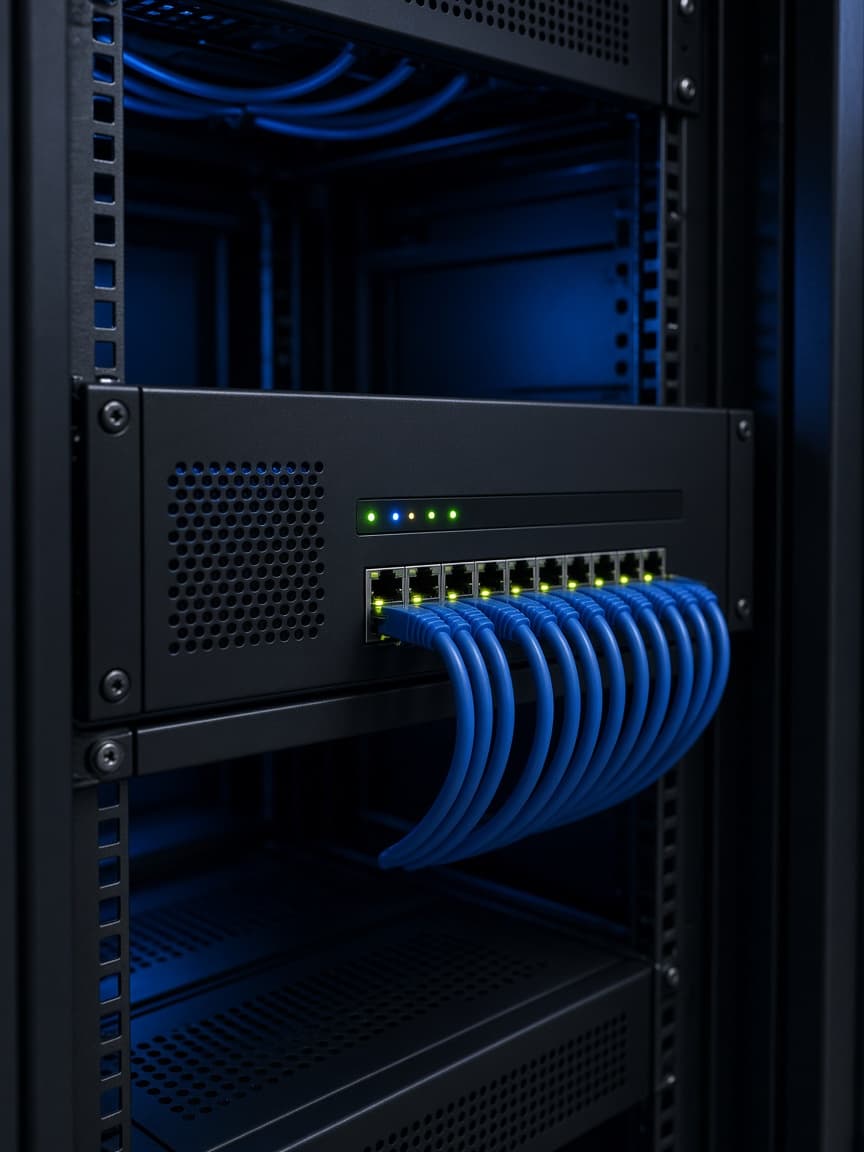
Gateway
Internet enters through a firewall you control.
CNS
Your Innovative Technology Partner

Always here to help 👋
Have a question? Chat with us directly or give us a call for urgent support.

Network security

Firewall, guest Wi-Fi, and who is allowed on the office LAN. Designed for your site, not a generic checklist.
The internet enters through a firewall you control.
Two networks, not one password on the wall.
You can see what is open.
Network security here means the office gateway, the guest Wi-Fi, and a written list of who may reach which server. It is designed around the site, not a generic checklist.
If the edge is still a home router, the first job is a firewall. The VPN pages cover the tunnels that sit on top of it.
What the internet connects to today.
Staff, guests, and anything in the server room.
Plain language, left with the people who will ask later.
We check what the first weeks of traffic actually did.
In practice
Gateway, guest Wi-Fi, and a clear list of who reaches which server.
Internet enters through a firewall you control.

Separate from the office network.
Written down, left with you.