

What moves
Named in the survey.
CNS
Your Innovative Technology Partner

Always here to help 👋
Have a question? Chat with us directly or give us a call for urgent support.

Cloud for the office
Move what belongs in the cloud.
Mail, files, and the servers that should not sit in a hot cupboard. We say what stays in the office.
Not everything. The survey names the workloads.
Phones, cameras, and the file server if they should.
Someone who knows the project, not a ticket queue.
Mail, shared files, and a server that is cooking in a cupboard are the usual candidates. Phones, cameras, and a file server the office needs when the internet drops often stay in the building.
The survey names both lists. You also get a person who knows the project, not only a ticket queue.
What people open every day, and what can wait.
Phones, cameras, and anything that must work offline.
One system at a time, with a way back.
The first weeks are part of the job, not a separate contract surprise.

In practice
Mail and files often move. Phones and cameras often stay.
Named in the survey.
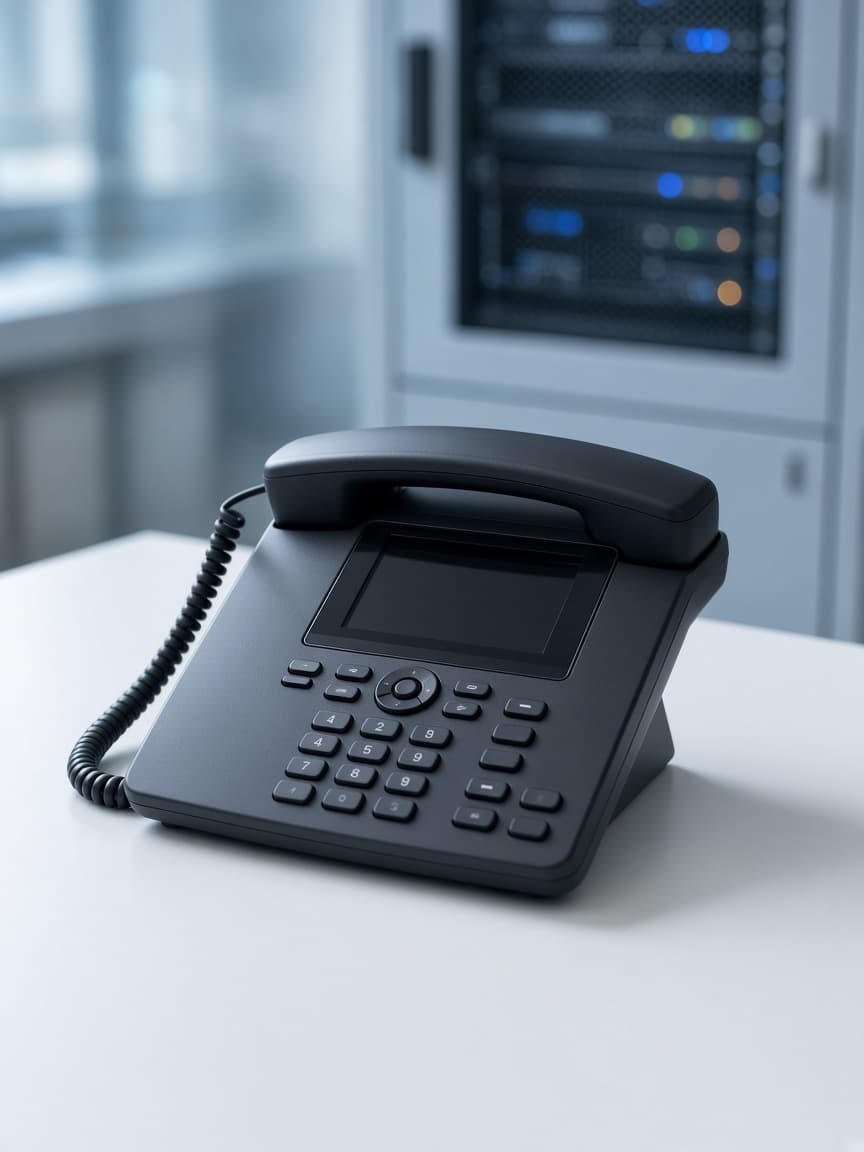
Anything that must work offline.

The first weeks are part of the job.