
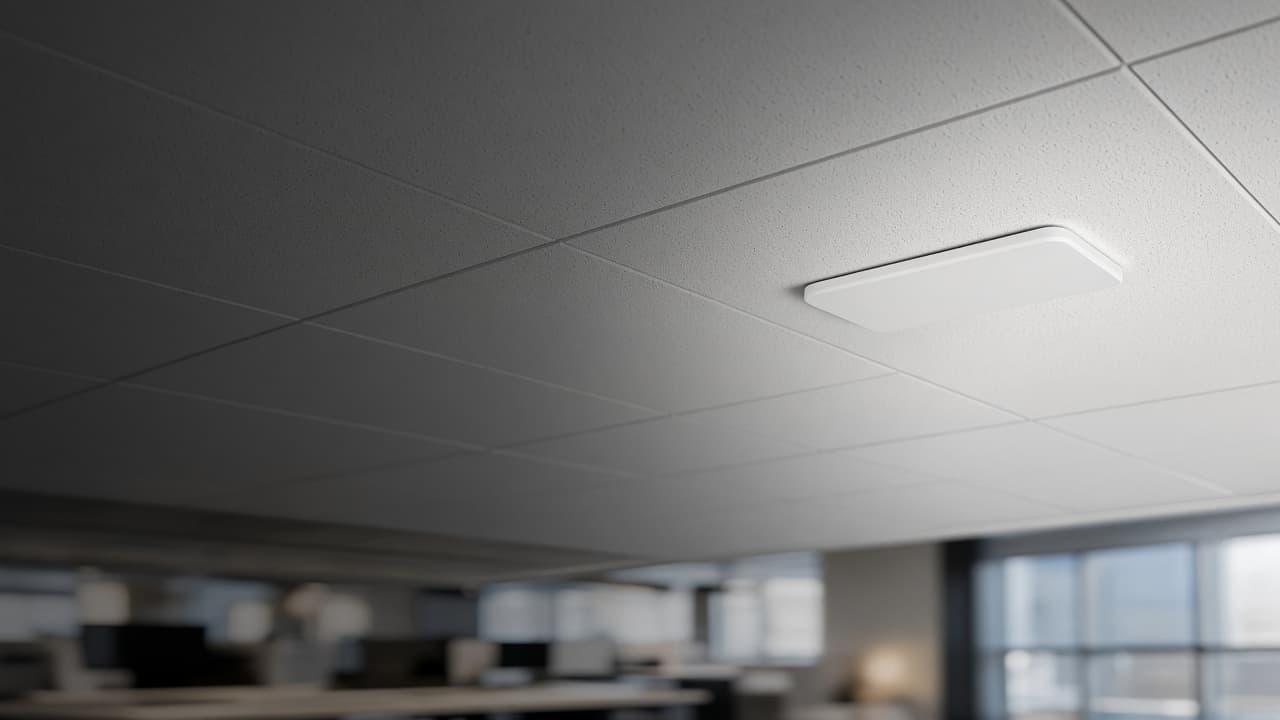
Walk test
We measure the weak rooms.
CNS
Your Innovative Technology Partner

Always here to help 👋
Have a question? Chat with us directly or give us a call for urgent support.

Office Wi-Fi
Wi-Fi that covers the whole floor. A survey of walls and interference, then access points placed for the people who actually sit there.
We measure the rooms, not a guess from the doorway.
UniFi and Ruijie, chosen for the building.
We stay on for dead spots and new rooms.
One router in reception does not cover a floor of meeting rooms and solid walls. We walk the space, measure where the signal dies, and place access points for the desks, not for the corridor.
Guest Wi-Fi stays off the office network. Staff SSIDs use the speeds and VLANs the LAN already expects. After install we come back for the rooms that were still weak, and for floors that add desks later.
Hotels, schools and multi-building sites need a different design from a single office floor. If that is your brief, see our Wi-Fi solutions page for campuses. For a normal office or showroom in Colombo, this page is the starting survey.
You leave with a short plan of where each access point sits, how guests are separated, and who to call when a dead spot appears after furniture moves.
Walls, lifts, and the rooms that must work.
A count of access points and where each one goes.
Cabling to the points, then the controller and the passwords.
We sit in the weak rooms and confirm the signal.
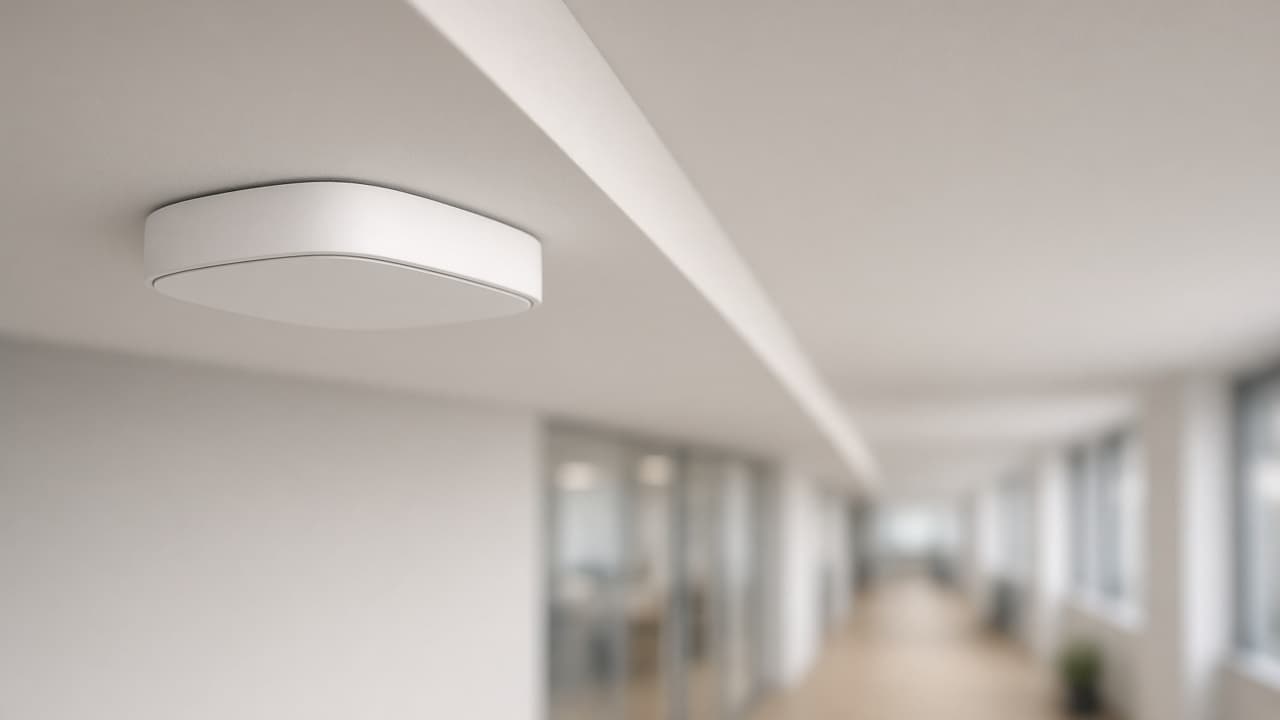
In practice
A walk test first. Access points placed where people sit.
We measure the weak rooms.
Business APs sized for the floor.
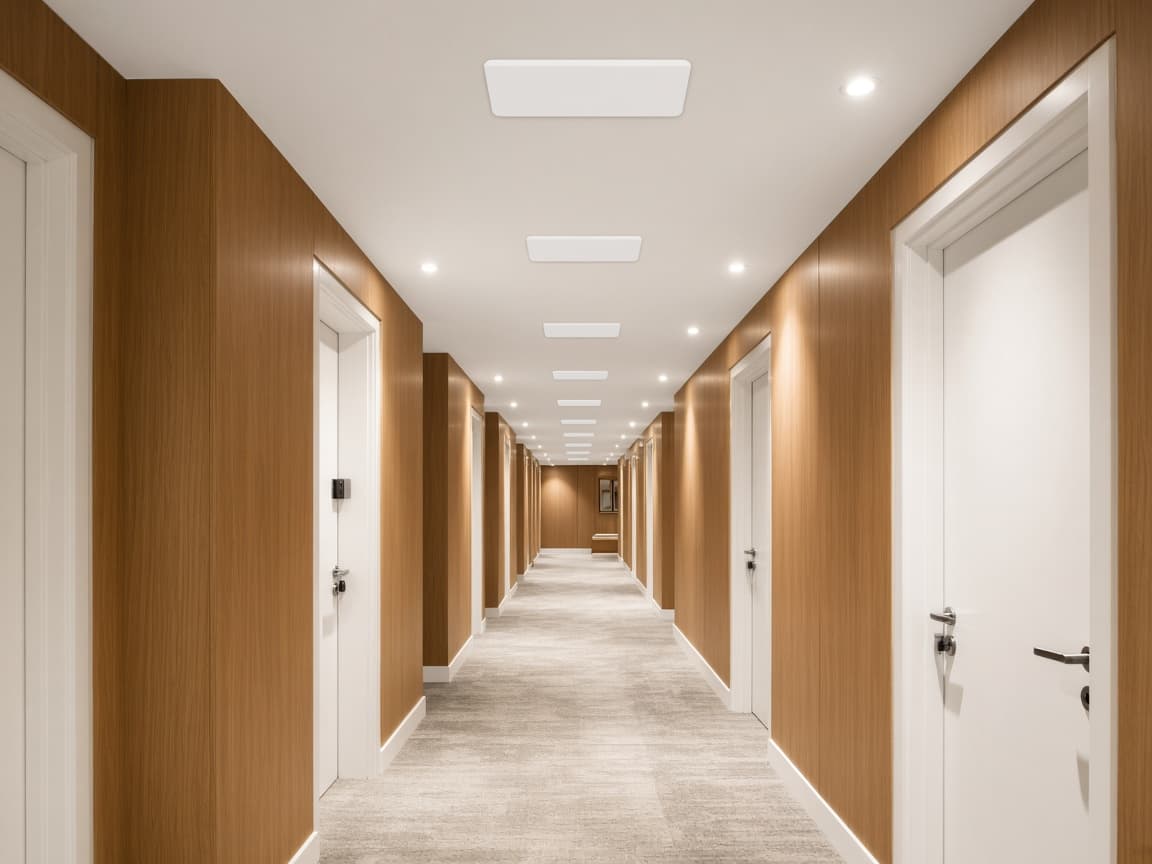
Visitors stay off the office LAN.
For a few desks, sometimes. Once you have solid walls, meeting rooms or guests, a surveyed set of access points is the reliable path.
No. Guest Wi-Fi is put on a separate network so visitors browse without sitting on the office LAN.
We come back. Dead spots after furniture moves are part of the aftercare, not a new project from scratch.